- Swift 100%
| KeyLock | ||
| KeyLock.xcodeproj | ||
| generate_icon.swift | ||
| README.md | ||

KeyLock
A lightweight macOS app that blocks all keyboard input with a single click — useful when cleaning your keyboard, letting a pet walk across it, or handing your laptop to someone who should not be typing.
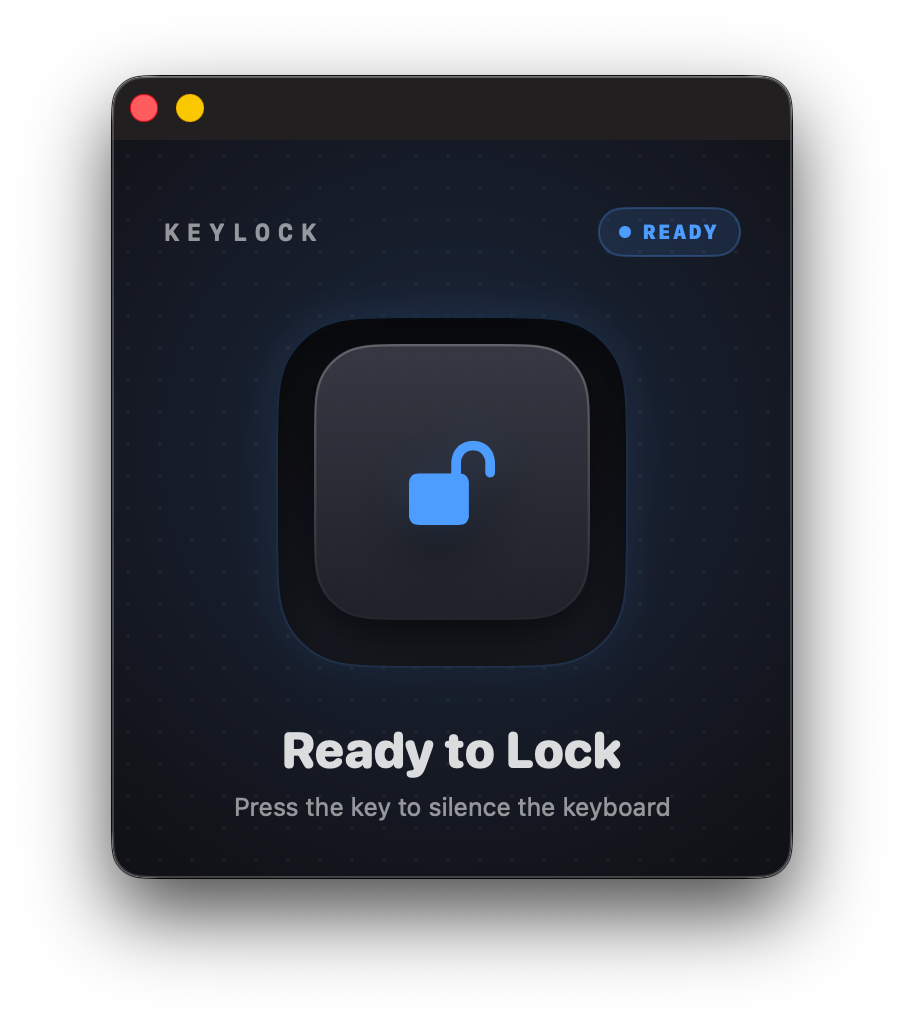
Features
- One-click keyboard lock / unlock
- Blocks key-down, key-up, modifier keys, and system keys (volume, brightness, media)
- Locks Caps Lock too — its state can't be toggled while locked
- Live status indicator (locked / active)
- Accessibility permission prompt built in
- Polished compact control window, stays floating while locked
Requirements
- macOS 13 Ventura or later
- Xcode 15+ (to build from source)
- Accessibility permission (the app will prompt you on first use)
Installation
Build from source
open KeyLock.xcodeproj
Select the KeyLock scheme, choose your Mac as the target, then press Cmd + R.
Remove quarantine (downloaded builds)
If you downloaded a pre-built .app instead of building from source, macOS may block it with a quarantine flag. To remove it:
xattr -d com.apple.quarantine /Applications/KeyLock.app
Then open the app normally.
Usage
- Launch KeyLock.
- If prompted, grant Accessibility access in System Settings → Privacy & Security → Accessibility.
- Click Lock Keyboard — all key input is blocked system-wide.
- Click Unlock Keyboard (or quit the app) to restore normal input.
The app window floats above other windows while the keyboard is locked so you can always reach the unlock button with your mouse.
How it works
KeyLock uses a CGEvent tap inserted at the HID layer (cghidEventTap, headInsertEventTap). When active, the tap intercepts every key-down, key-up, flags-changed, and NX_SYSDEFINED event and discards it before it reaches any application. Removing the tap instantly restores full keyboard access.
Caps Lock needs extra handling: macOS toggles its lock state in the IOKit HID layer below the event tap, so discarding the event alone doesn't stop the light from flipping. KeyLock remembers the Caps Lock state when locking and, via IOHIDSetModifierLockState, immediately re-asserts it whenever Caps Lock is pressed — so it can't change while locked.
Accessibility permission is required because inserting a system-wide event tap is a privileged operation on macOS. KeyLock runs without the App Sandbox so it can talk to the IOKit HID system for Caps Lock control.
Project structure
KeyLock/
├── KeyLockApp.swift       # App entry point
├── ContentView.swift      # SwiftUI UI
├── KeyboardLocker.swift   # CGEvent tap logic
└── Assets.xcassets/       # App icons
generate_icon.swift        # Icon generation script
License
MIT